
We Were Here Tomorrow How to Play Co-op
Two copies, a mic each and crossplay across Steam, PS5 and Xbox: how to set up and start a We Were Here Tomorrow co-op session.
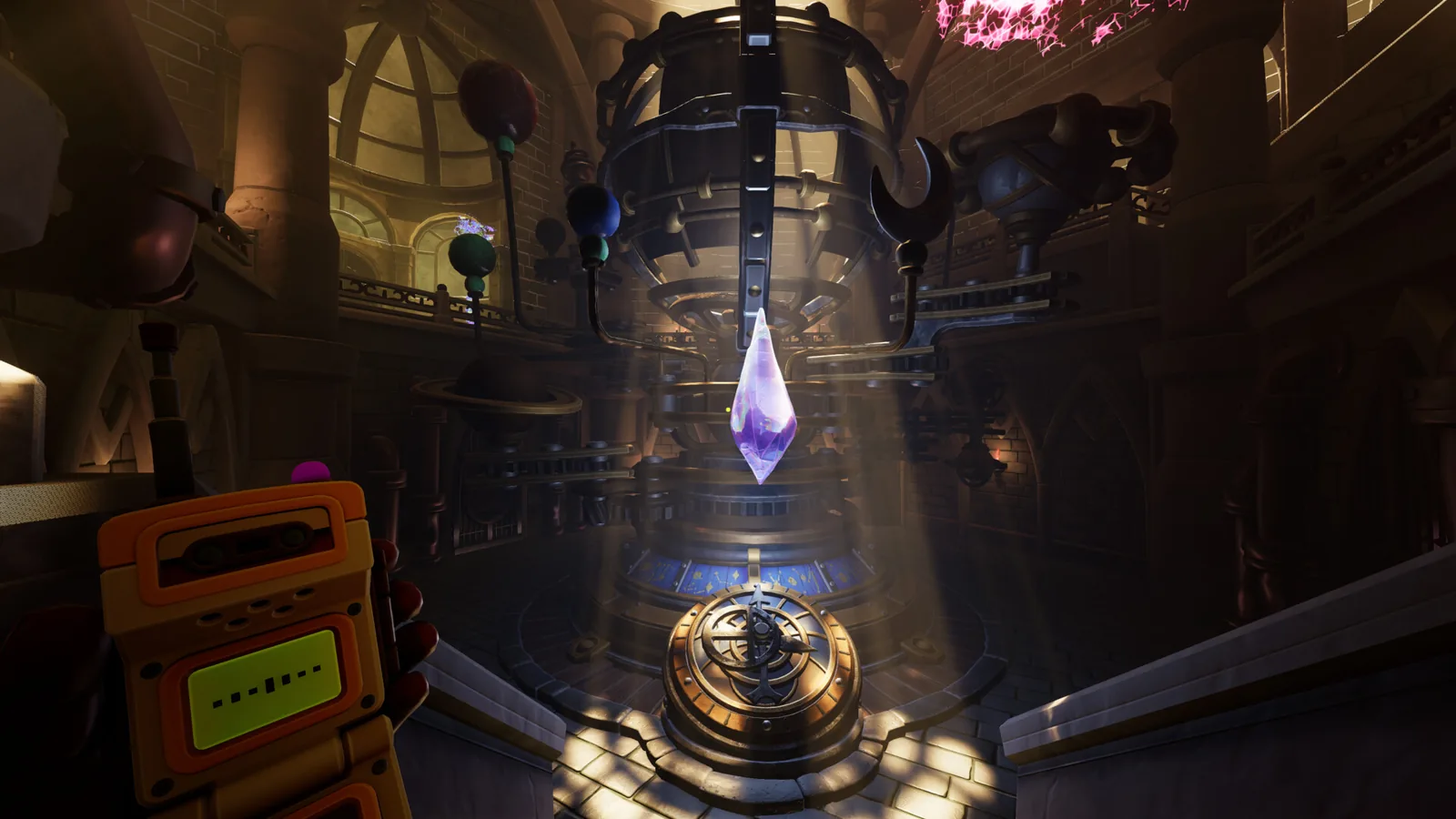
Table of Contents
We Were Here Tomorrow is online co-op only, and it launched on October 20, 2026. To play it with a friend you need two copies, two internet connections, a working microphone on each side, and one player hosting a session the other joins. Crossplay is confirmed between Steam, PlayStation 5 and Xbox Series X|S, so the two of you do not have to own the same hardware.
There is no solo route around this. The official Steam page states the game is co-op only and that both players need a working PC-compatible microphone and an internet connection. Its feature list names Online Co-op and Cross-Platform Multiplayer, and as of 2026-10-21 it does not list local or split-screen play — so plan for two machines in two places.
What each player needs
| Requirement | Detail |
|---|---|
| A copy of the game | Steam, PlayStation 5 or Xbox Series X |
| An internet connection | Broadband is listed in the minimum requirements |
| A microphone | The store page note says both players need a working PC-compatible microphone; this is a hard requirement, not a nice-to-have |
| PC headroom (if on Steam) | Windows 11, 25 GB of free space, 8 GB RAM minimum. A community guide on wewereheretomorrow.wiki quotes 50 GB, so leave extra room on the drive |
| Money | $19.99 / €19.99 / £16.99 at the announced price. The Steam page showed a 10% introductory offer at $17.99 with the offer ending November 3, 2026 |
Two copies is the practical reading of the store page and the developer's launch post, which talks about "you and your co-op partner" stepping in together. If you want the full picture on whether any shared-ownership scheme exists, see Friend Pass availability.
Which platforms can play together
Total Mayhem Games announced crossplay when the game was revealed on 2026-02-26 ("Crossplay will be available across platforms") and repeated it at launch, when the game arrived on Steam, PS5 and Xbox Series X|S simultaneously.
| Player A | Player B | Works |
|---|---|---|
| Steam | Steam | Yes |
| Steam | PlayStation 5 | Yes, via crossplay |
| Steam | Xbox Series X | S |
| PlayStation 5 | PlayStation 5 | Yes |
| PlayStation 5 | Xbox Series X | S |
| Xbox Series X | S | Xbox Series X |
Platform combinations are covered in more depth on the crossplay page.
Get voice working before you launch
Communication is the mechanic here — the two Explorers are usually in separate rooms and solve puzzles by describing what only they can see, using walkie-talkies. Pairs who skip audio setup lose their first session to debugging instead of puzzling.
- Connect your headset or microphone and confirm your operating system sees it.
- On PC, check that microphone access is allowed in your system privacy settings so the game can listen.
- On console, check that your headset is routed to game voice rather than a platform party chat.
- Run a short test with your partner in a quiet moment — before either of you is mid-puzzle and relying on callouts.
Steps 2–4 reflect the checklist in the community co-op guide at wewereheretomorrow.wiki; the microphone requirement itself comes straight from the official store page. If you cannot hear each other once you are in, work through the checklist below.
Start the session: host, invite, join
Neither the Steam page nor the developer's launch post spells out invite menu names, so treat any exact wording you read elsewhere as approximate — community write-ups of the flow do not name the build they were played on. What the material does support:
- Agree who hosts before either of you opens the game, and roughly when. One player starts the session; the other joins it.
- Launch the game on both machines with the same expectation: one of you is the anchor, the other is joining.
- Use the game's own session flow rather than assuming platform friends lists. According to wewereheretomorrow.wiki's co-op guide, cross-platform invites go through the game's session system, which matters most when the two of you are on different hardware.
- Confirm audio on arrival. Say something the moment you are both in, before touching a puzzle, so a silent walkie-talkie is caught early.
- Set communication habits immediately. Decide who describes first, spell out symbols aloud instead of pointing at your own screen, and assume your partner genuinely cannot see what you see. That information gap is the design, not a bug.
Once you are inside
The two roles are deliberately different, each with its own high-tech tool, and the puzzles only resolve when both descriptions are combined. The developer's release-date trailer, linked from the 2026-09-20 announcement, previews the facility and its puzzles rather than any setup menu — the news posts do not document a menu walkthrough, so do not expect one.
The campaign is described by the developer as around 15 hours of content, which is a long time to spend with someone who will not describe a room clearly. If you want to know who does what, see roles explained.
When audio or joining fails
These are sensible checks rather than tested fixes for a documented bug:
| Symptom | Check first |
|---|---|
| Your partner cannot join | Both players on the same released build (launch was October 20, 2026), firewall or NAT allowing the game, then re-send the invite |
| You cannot hear each other | Microphone permission, headset routing, in-game voice enabled, then swap to a direct connection instead of party chat |
| Stuttering on PC | Compare against the system requirements; the minimum calls for a dedicated GPU |
| A crash on launch | The developer's demo patch notes mention an AMD-related crash and a DX11 safe-mode launch option; if the retail build misbehaves, check the developer's support and Known Issues pages, which the launch post points to |
For connection-specific help, the online fix guide walks through the usual culprits.
Finding a partner
The Steam page as of 2026-10-21 does not describe matchmaking with strangers, so the realistic route is bringing your own partner. Places the developer itself points at:
- The official Discord server, linked from the Steam page and named in the launch post as the place to report issues; it runs partner-finding channels across the series.
- The Steam Community hub for the game, reachable from the store page's Community Hub link, where players post in several languages.
- Reddit, which the Steam page links alongside its other social channels.
One closing note on trying before buying: the demo ran during 2026 and the developer took it down on August 3, 2026, so a free trial is no longer the way to test compatibility with a partner. Both of you need the full game.
Next steps
- Crossplay and platforms — confirm your exact pairing before you buy a second copy.
- Two-player co-op guide and setup — the wider picture on how the two-player structure works.
- Split screen and local co-op — if you were hoping to play in the same room on one screen.
FAQ
Do both players need their own copy to play We Were Here Tomorrow co-op?
Practically, yes. The Steam page as of 2026-10-21 lists no Friend Pass, and the game is described as co-op only with a microphone required on both sides. Budget for two purchases, one per player.
How do I play co-op in We Were Here Tomorrow with a friend on another platform?
Buy on your own platform — Steam, PS5 or Xbox Series X|S — and use crossplay, which Total Mayhem Games confirmed in its 2026-02-26 announcement and again at launch. One player hosts, the other joins through the game's session flow.
Do we both need microphones?
Yes. The official store page states that both players need a working PC-compatible microphone, and the walkie-talkie conversation is how the asymmetric puzzles get solved at all.
What do we check if we cannot hear each other in-game?
In order: system microphone permission, whether your headset is routed to game voice rather than a console party, and whether in-game voice is on for both of you. Test in a quiet moment rather than mid-puzzle, and rejoin the session once audio is confirmed.
Related Articles
Continue Reading
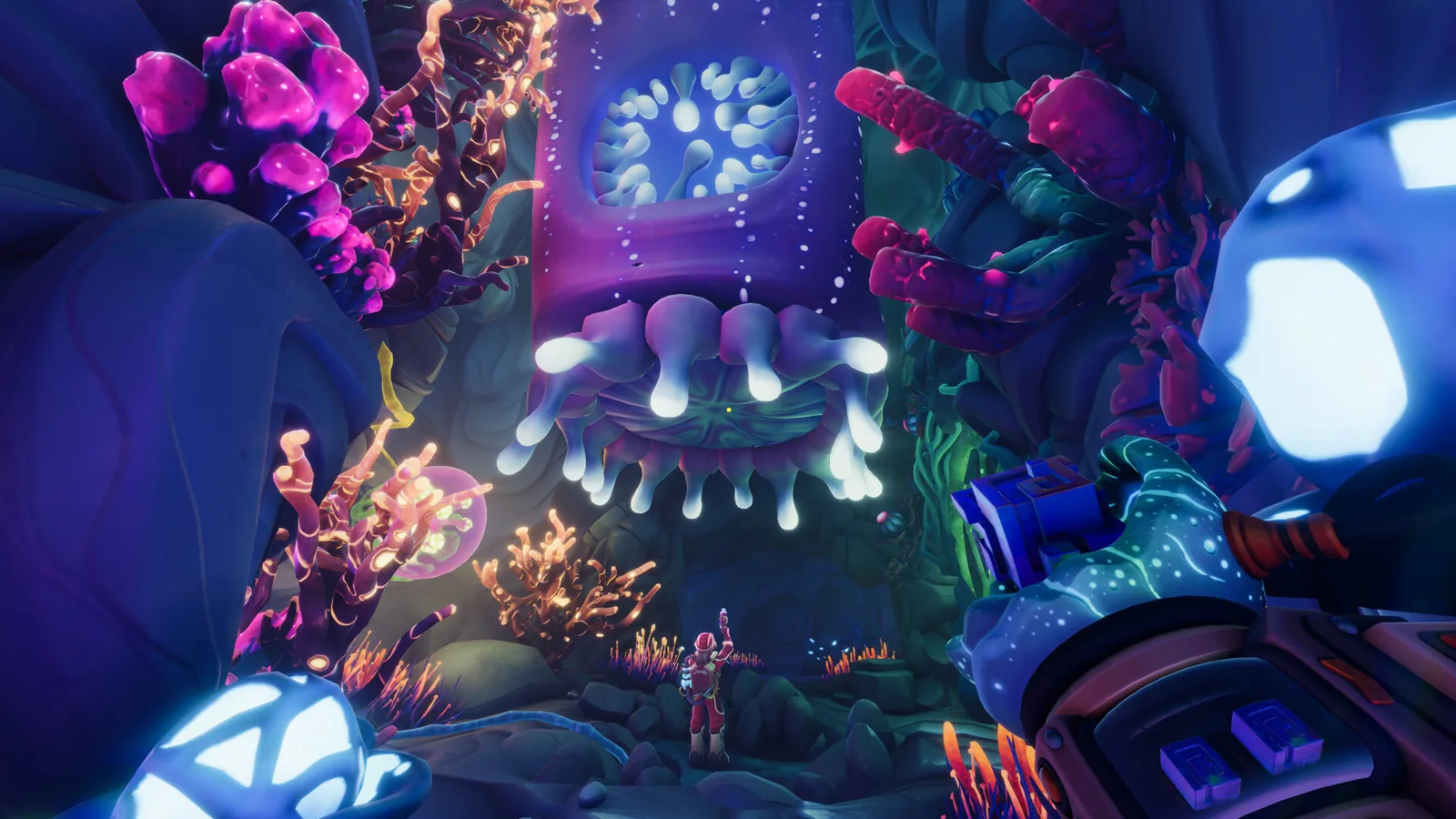
How Many Players Can Play Co-op?
We Were Here Tomorrow is a two-player online co-op puzzle game. Learn what that means for partners, microphones, crossplay, and solo play.
Asymmetric Coop Explained
What asymmetric co-op means in We Were Here Tomorrow, the three splits, voice-only teamwork, and a puzzle loop that keeps both players moving.
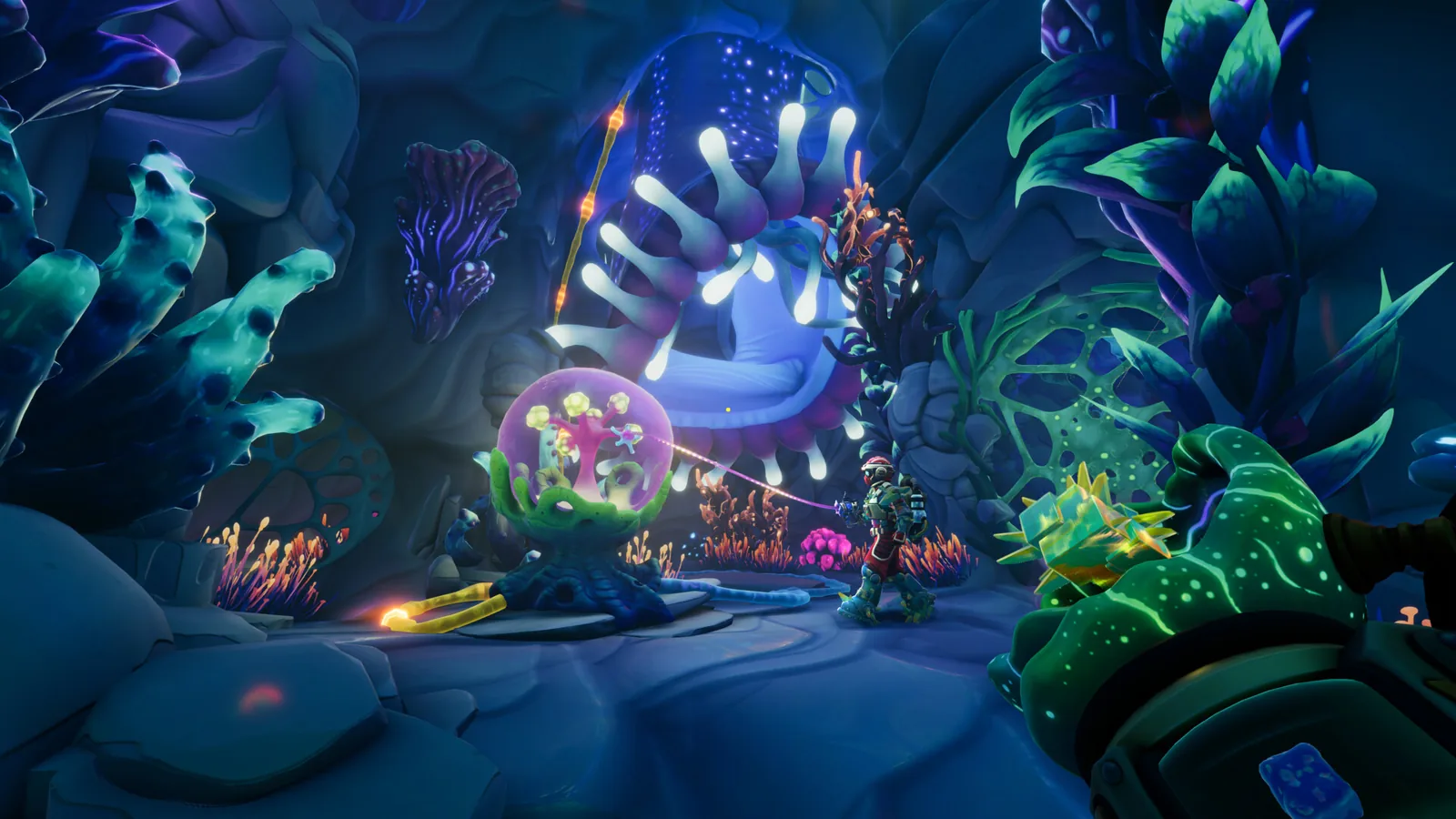
coop: Two-Player Co-op Guide and Setup
We Were Here Tomorrow coop is a two-player, co-op only online puzzle adventure with asymmetric roles, required mics and Steam cross-platform multiplayer.
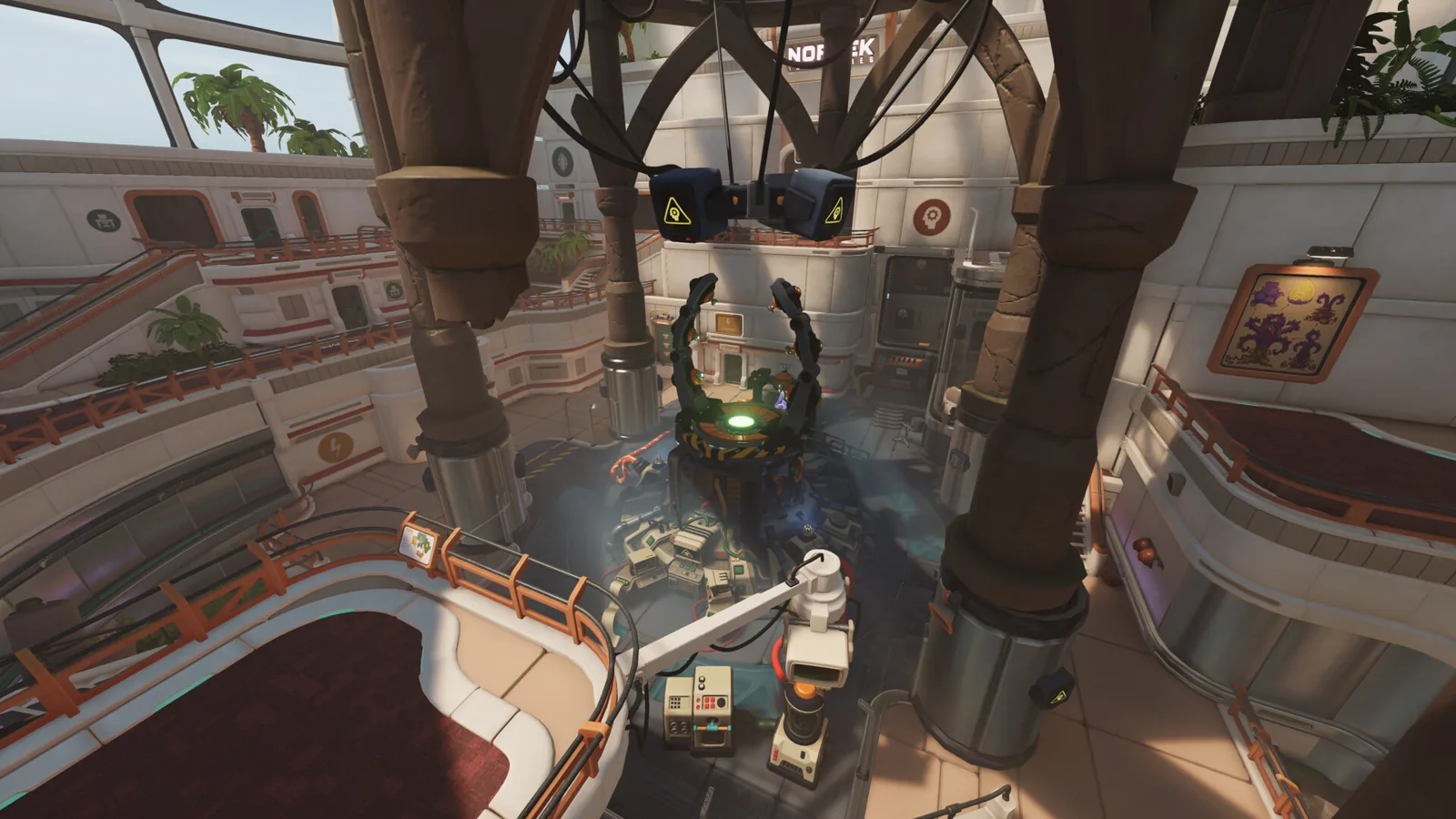
Crossplay
Does We Were Here Tomorrow support crossplay? The Steam page lists Cross-Platform Multiplayer for this two-player online co-op game.
How Long to Beat
We Were Here Tomorrow is out now. Official word points to around 15 hours; here is how to plan sessions, what completion adds, and how it compares to Forever.
Demo: Availability & Tips
The We Were Here Tomorrow demo was taken down on August 3, 2026. The full game releases October 20, 2026.