
We Were Here Tomorrow Demo Crashing Fixes
Practical troubleshooting for We Were Here Tomorrow demo crashes, based on the official support page.
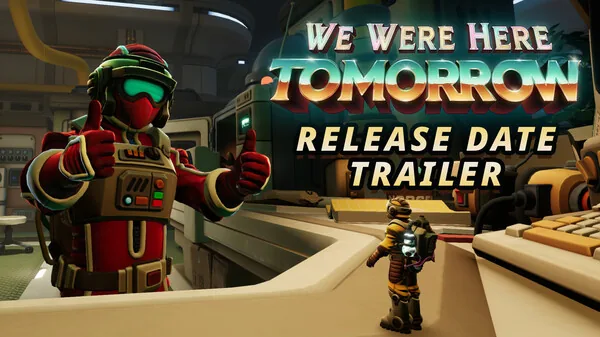
If the We Were Here Tomorrow demo crashes at launch, during cutscenes, or in gameplay, the most useful starting points are disabling overlays, clean installing GPU drivers, clearing shader caches, and forcing DirectX 11. These steps come from the official Total Mayhem Games support page for We Were Here Tomorrow.
Quick checks
- Make sure your PC meets the Steam minimum: Windows 11, Ryzen 5 3600 or equivalent, GTX 1660 Ti 6GB or equivalent, 8GB RAM, DirectX 12, and 25GB available storage.
- Make sure the demo is using a dedicated GPU, not integrated graphics, and that your GPU drivers are up to date.
- Turn off VSync in your GPU control panel and in-game settings. If the demo crashes before you can open settings, the support page points to the config folder:
C:\SteamLibrary\steamapps\common\We Were Here Tomorrow Demo\We Were Here Tomorrow_Data\StreamingAssetsYour Steam library path may be different. - Set Windows time and timezone correctly.
Crash fixes
- Disable overlays from Discord, Steam, MSI Afterburner, and similar programs before launch.
- Clean install GPU drivers using the clean install option from NVIDIA, AMD, or Intel, or a tool like DDU.
- Reset GPU settings if overclocked, and restore GPU control panel defaults. On laptops, force the demo to use the dedicated GPU, especially when unplugged.
- Try DirectX 11. Add
-force-d3d11to the demo's Steam launch options: right-click the demo in your Steam library > Properties > General > Launch Options. - Run the demo as administrator.
- Verify game files in Steam.
- Unplug unnecessary USB devices and avoid public networks that may block the game's voice servers.
- Clear shader caches. Delete folders such as
%LOCALAPPDATA%\NVIDIA\DXCache,%LOCALAPPDATA%\AMD\DxCache,%LOCALAPPDATA%\D3DSCache, and%ProgramFiles(x86)%\Steam\steamapps\shadercache. - Install Windows updates.
- Check Windows system files from an administrator Command Prompt:
sfc /scannowDISM /Online /Cleanup-Image /RestoreHealth - Restart your PC after trying the above.
Source: We Were Here Tomorrow keeps crashing — Total Mayhem Games Support and We Were Here Tomorrow on Steam.
Related Articles
Continue Reading
Crashing: Fixes
Developer-listed fixes for We Were Here Tomorrow crashes at launch, cutscenes, or gameplay, plus demo-specific GPU and shader cache steps.
Online Fix and Connection Help
How to troubleshoot We Were Here Tomorrow online co-op, voice chat, and cross-play connection problems on Steam, PlayStation, and Xbox.
Demo: Availability & Tips
The We Were Here Tomorrow demo was taken down on August 3, 2026. The full game releases October 20, 2026.
Demo Length
The We Were Here Tomorrow demo covers the Norcek opening area and three co-op puzzles; no official hour count is given, but it is a short slice.
Demo PS5: What to Know (2026)
The April 2026 We Were Here Tomorrow demo was Steam-only for one week; no PS5 demo is announced as of 2026-10-14, but the full game hits PS5 October 20, 2026.
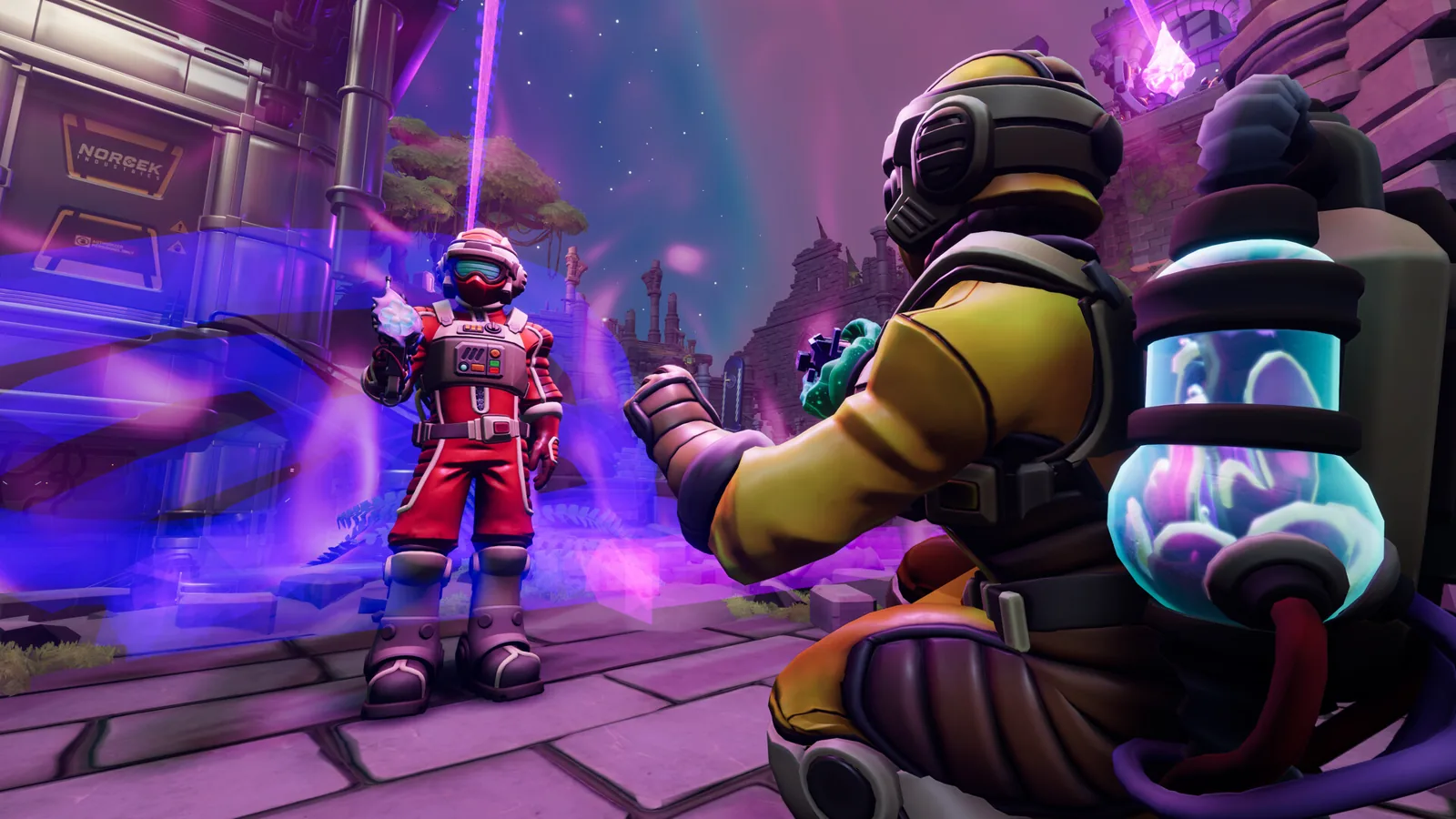
Demo Xbox Availability and Date
The April 2026 We Were Here Tomorrow demo was Steam-only for one week; Xbox Series X|S gets the full game Oct 20 with cross-play.